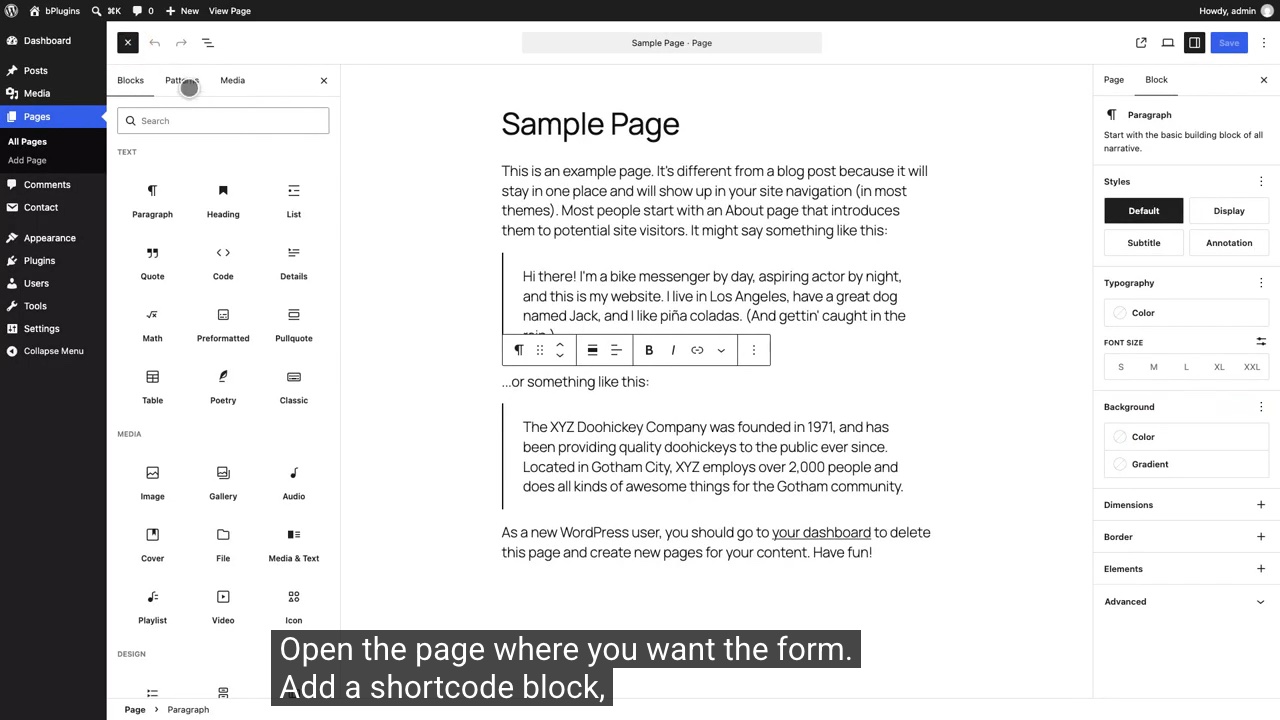
Contact Form 7 add on
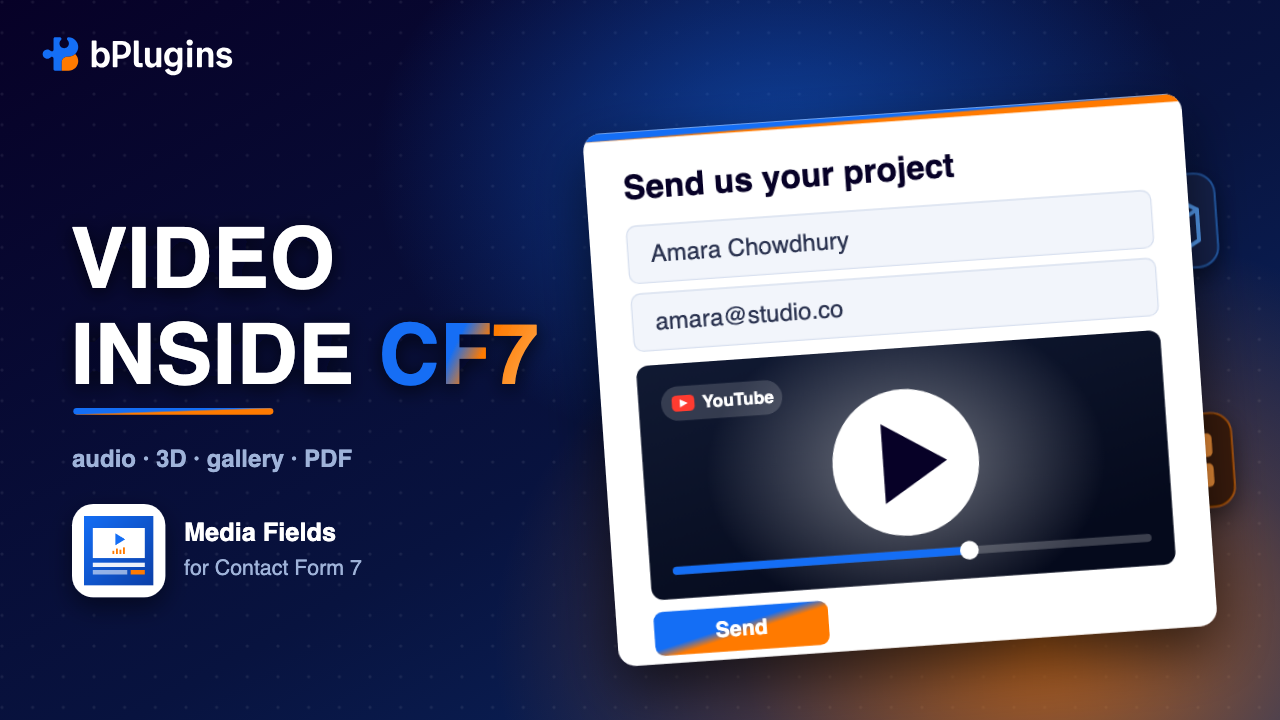
Media Fields for Contact Form 7 adds five field types Contact Form 7 does not ship with: video, audio, 3D models, image galleries and page turning PDFs. Show the work at the moment someone decides whether to get in touch, without sending them to another page.
Free and open source. Works with Contact Form 7 6.0 and newer. See the live demos.
Why it matters
A visitor who has to open a new tab to watch your video, or download a PDF to see your prices, often does not come back to finish the form. Contact Form 7 handles the questions well, but it has no way to show anything. That is the gap this plugin fills.
Five fields
Each one is a normal Contact Form 7 form tag, with its own button in the form editor.
Self hosted MP4 and WebM, YouTube or Vimeo, played through an accessible player you control: poster image, accent colour, captions, speed and quality menus, and any combination of controls.
Estate agents, studios, venues, agencies.
Try the live demo →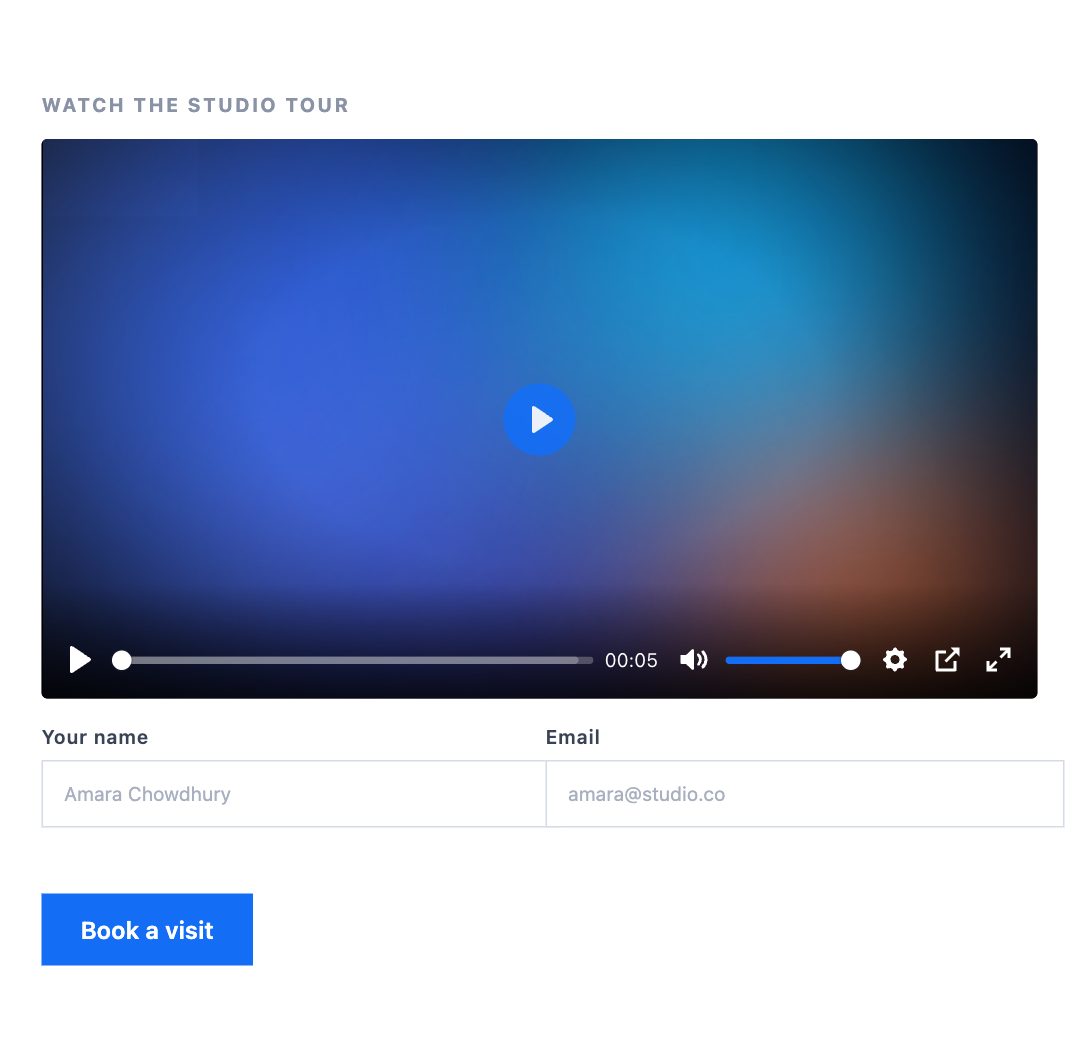
MP3, M4A, OGG, WAV and FLAC in the same accessible player, with artist and album metadata so it appears properly on a phone lock screen.
Podcasts, voice work, coaching, clinics.
Try the live demo →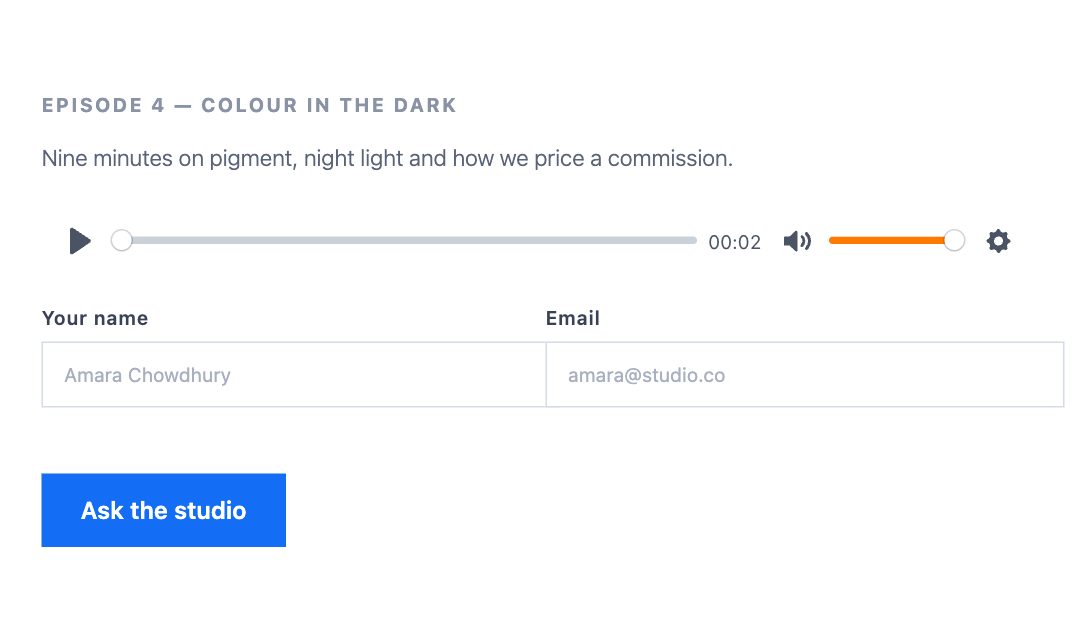
An interactive glTF or GLB model with orbit, zoom, auto rotate, labelled hotspots and a "View in your room" button on phones that support augmented reality.
Made to order furniture, signage, fabrication, retail.
Try the live demo →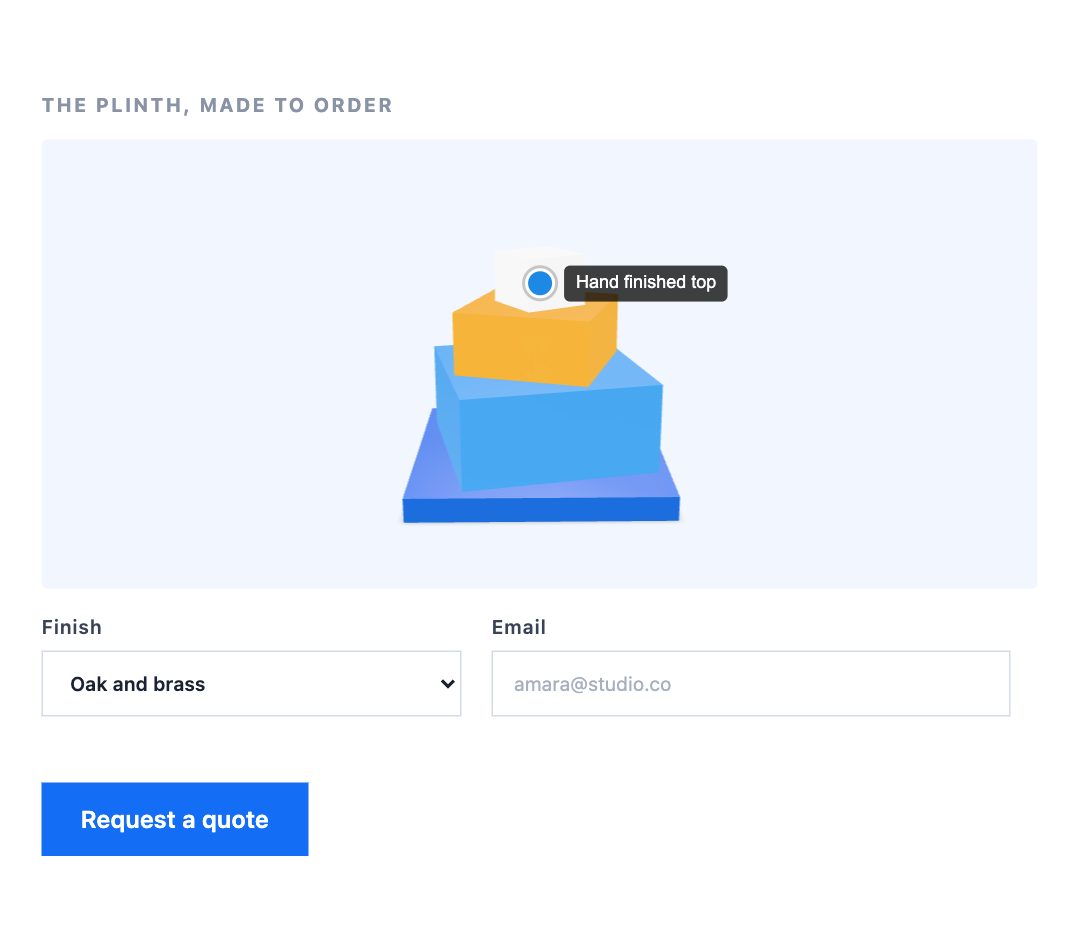
Grid, masonry, justified rows or a carousel, with captions and a built in lightbox. Pair it with a dropdown so people tell you exactly which job or piece they mean.
Builders, photographers, designers, landscapers.
Try the live demo →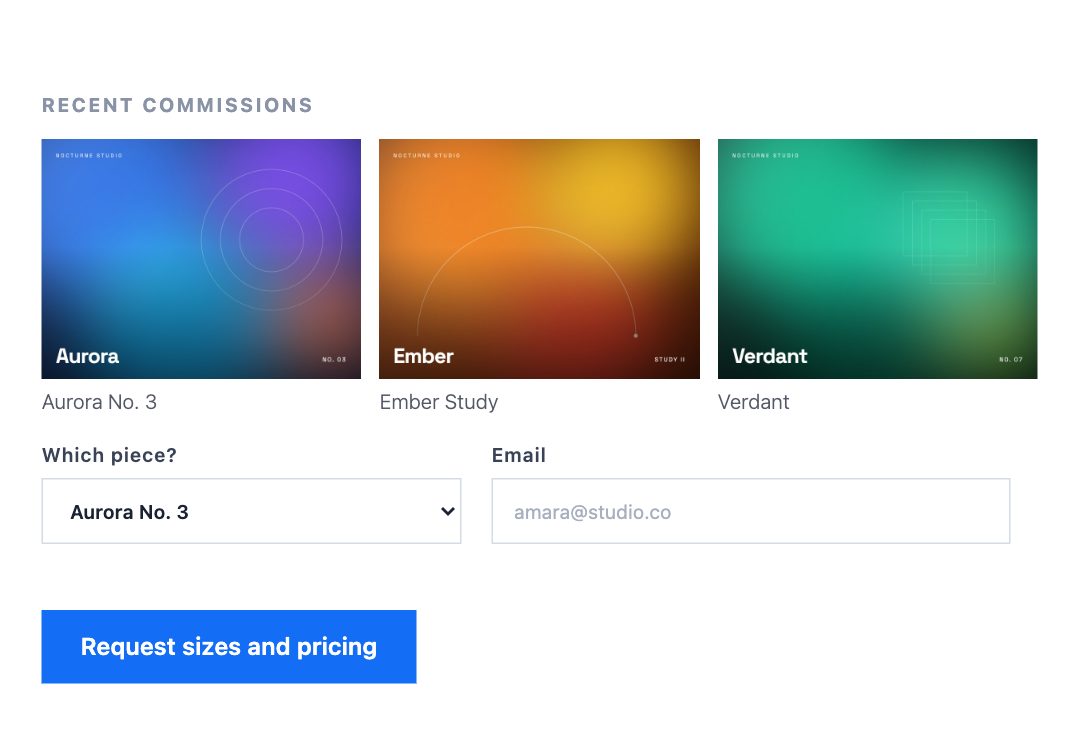
A real page turning PDF with zoom, fullscreen and an optional download, or a plain scrolling mode. Useful when you want the document read rather than downloaded and forgotten.
Wholesalers, manufacturers, schools, hotels.
Try the live demo →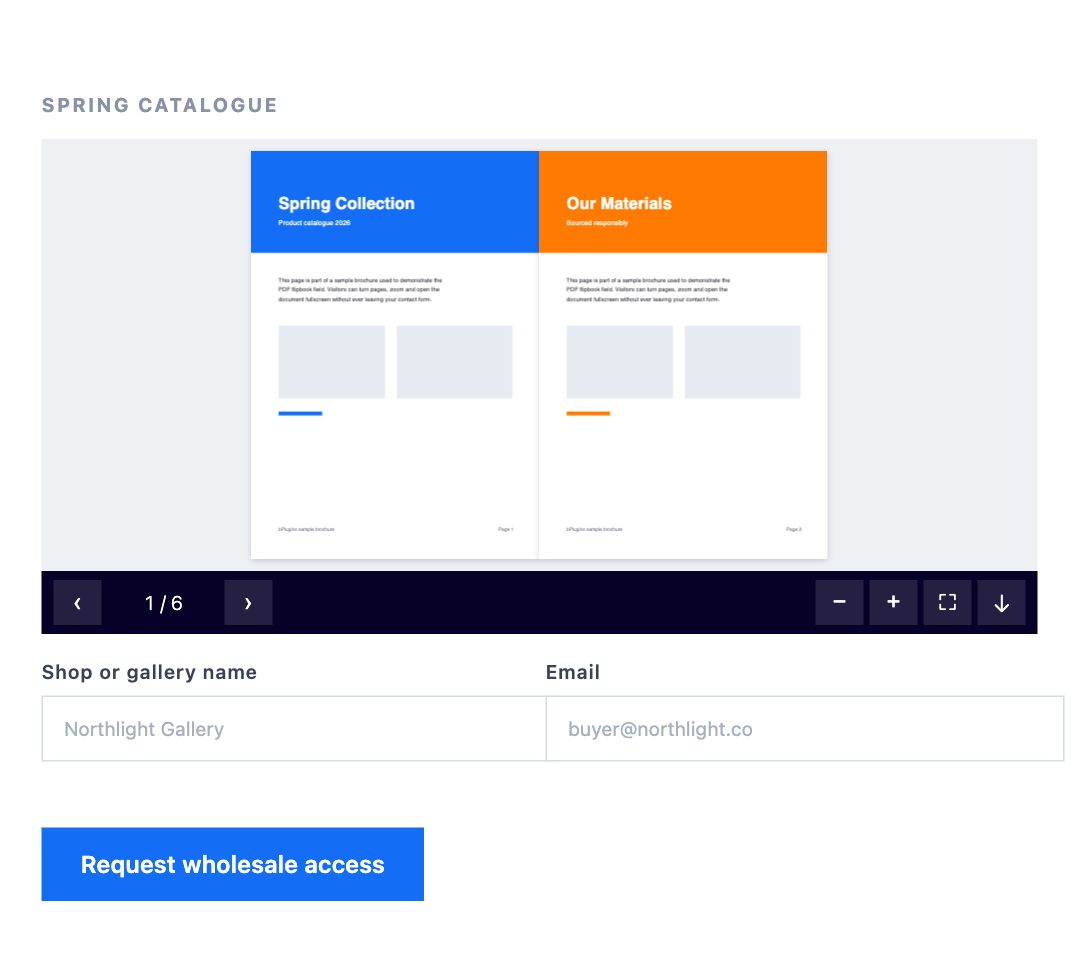
How it works
Edit any Contact Form 7 form. Five new buttons sit next to the ones you already use.
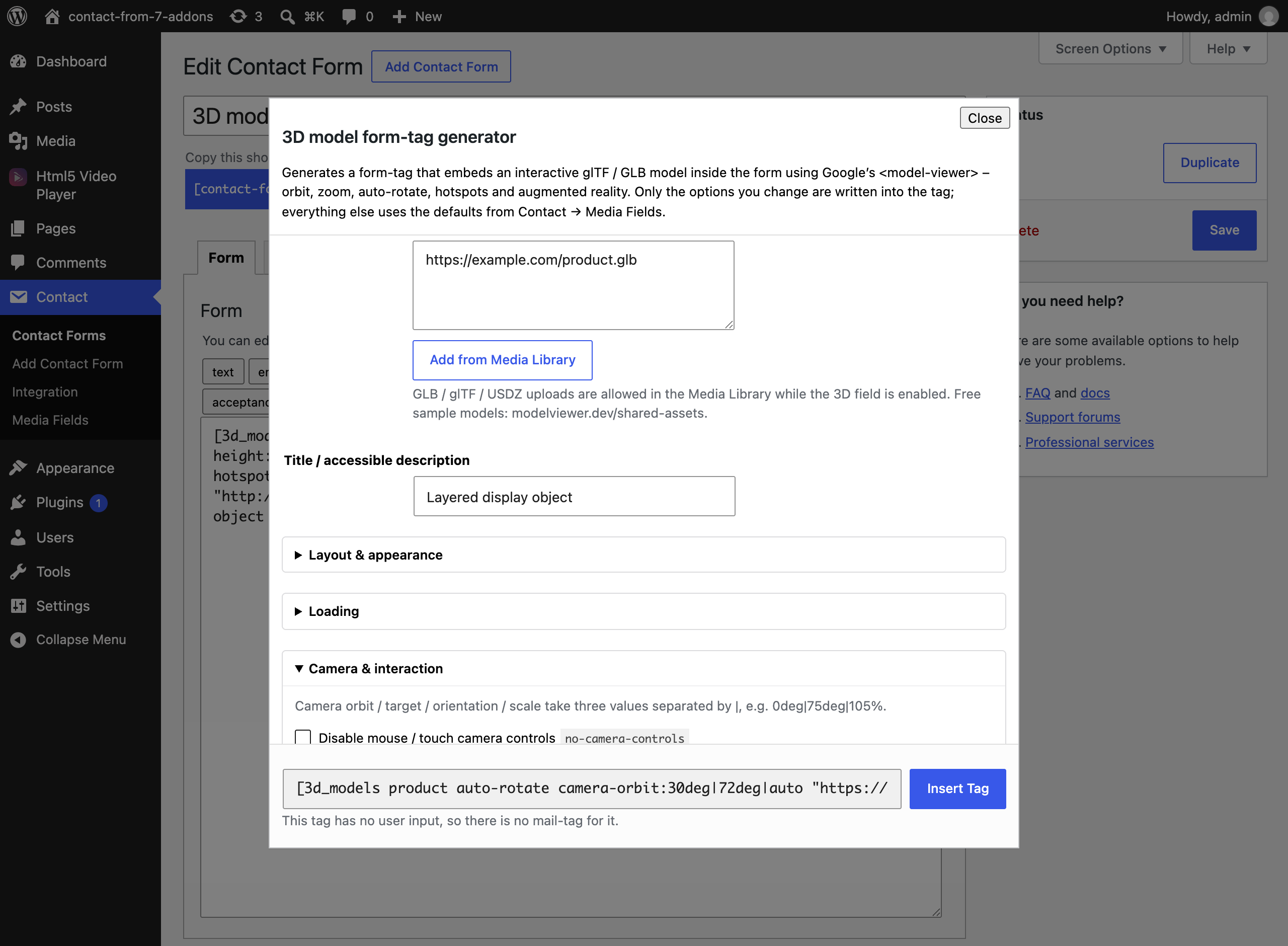
Choose the file, then set anything you want in a dialog. The form tag is written for you.
Drop the tag anywhere in the form, above the fields or between them. That is the whole setup.
Every option is a labelled control in the editor, so you never have to remember syntax. The 3D field alone exposes more than sixty options, from camera orbit to augmented reality mode.
Shown here: the 3D model generator with its camera options open.
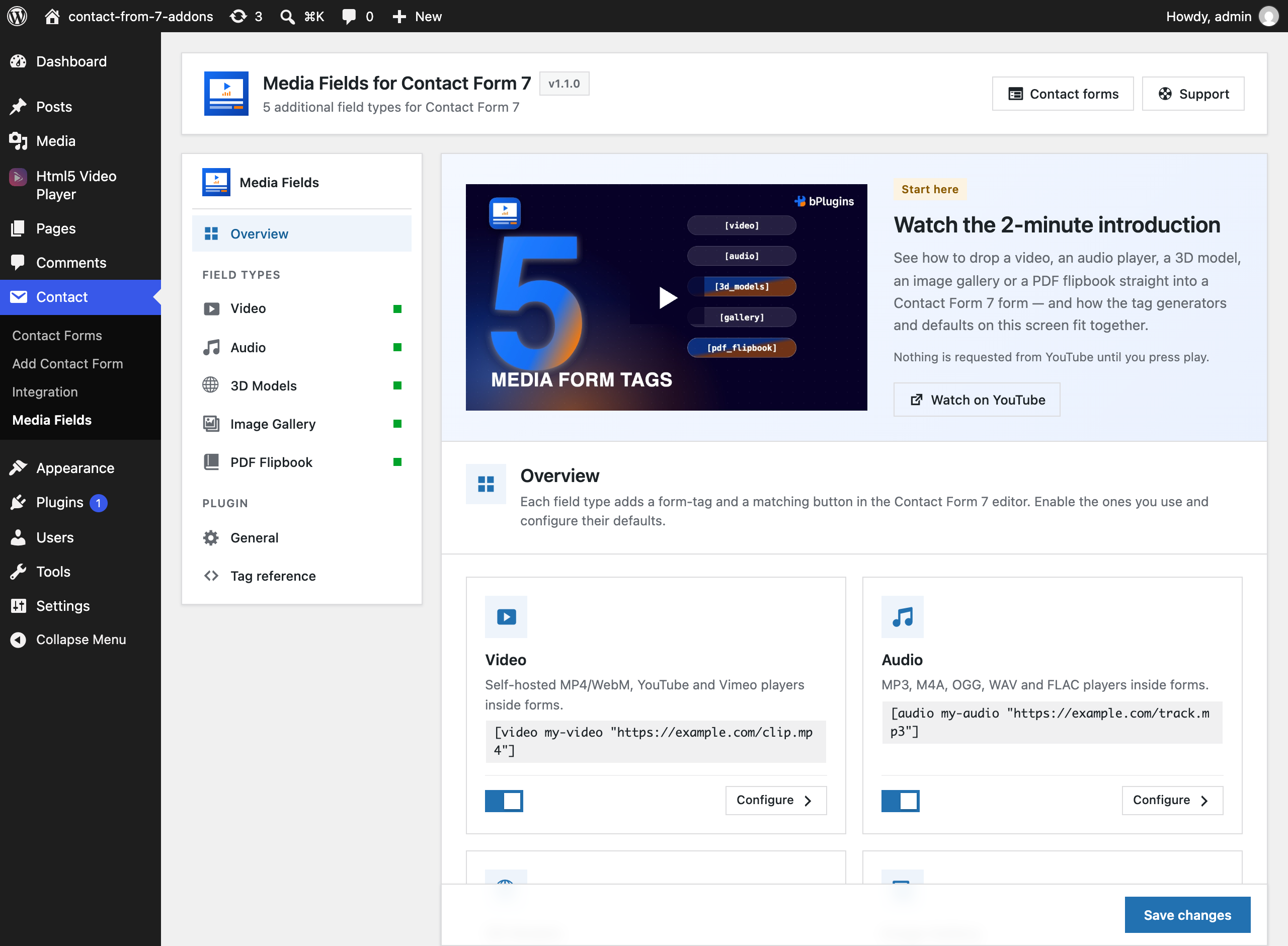
A settings screen with one panel per field type. Set the accent colour, the controls, the layout and the loading behaviour once, and every form follows. Turn off any field you do not use.
Shown here: the settings screen with the introduction video.
Getting started
Open a form, build your first video field with the tag generator, put the form on a page, then add audio and a PDF and set your defaults. The whole walkthrough, start to finish.
Play the tutorialUnder the hood
Small details that decide whether a plugin is pleasant to live with.
Scripts are only queued on pages where a media field actually renders, and PDFs and 3D models wait until they scroll into view.
Every library ships with the plugin. Nothing is fetched from a CDN, and the dashboard video stays a still image until you press play.
Keyboard control, screen reader labels, captions and a reduced motion setting that is respected rather than ignored.
The full option set of both underlying libraries is available as form tag options, not a curated subset.
All strings are translatable, with a POT file included and the text domain matching the plugin slug.
The plugin stores one option. Tick a box and it removes even that when you delete the plugin.
Live demos
Each demo is a working Contact Form 7 form on this site, built for one scenario. Play the media, spin the model, turn the pages, then submit the form to see how it behaves.
A studio tour video above a booking form.
Estate agents, studios, venues Open the live demo → 2A podcast episode above an enquiry form.
Podcasts, coaching, clinics Open the live demo → 3An interactive 3D model above a quote request.
Furniture, signage, fabrication Open the live demo → 4A portfolio grid with a dropdown to choose a piece.
Artists, photographers, designers Open the live demo → 5Slide through commissions, then ask about one.
Builders, landscapers, agencies Open the live demo → 6A page turning catalogue above a wholesale request.
Wholesalers, manufacturers, hotels Open the live demo → 7Video at the top, the usual fields, and a gallery underneath.
The full commission enquiry Open the live demo →Screenshots
The settings screen, the tag generators and every field type rendered inside a live Contact Form 7 form. Click any image to enlarge it.
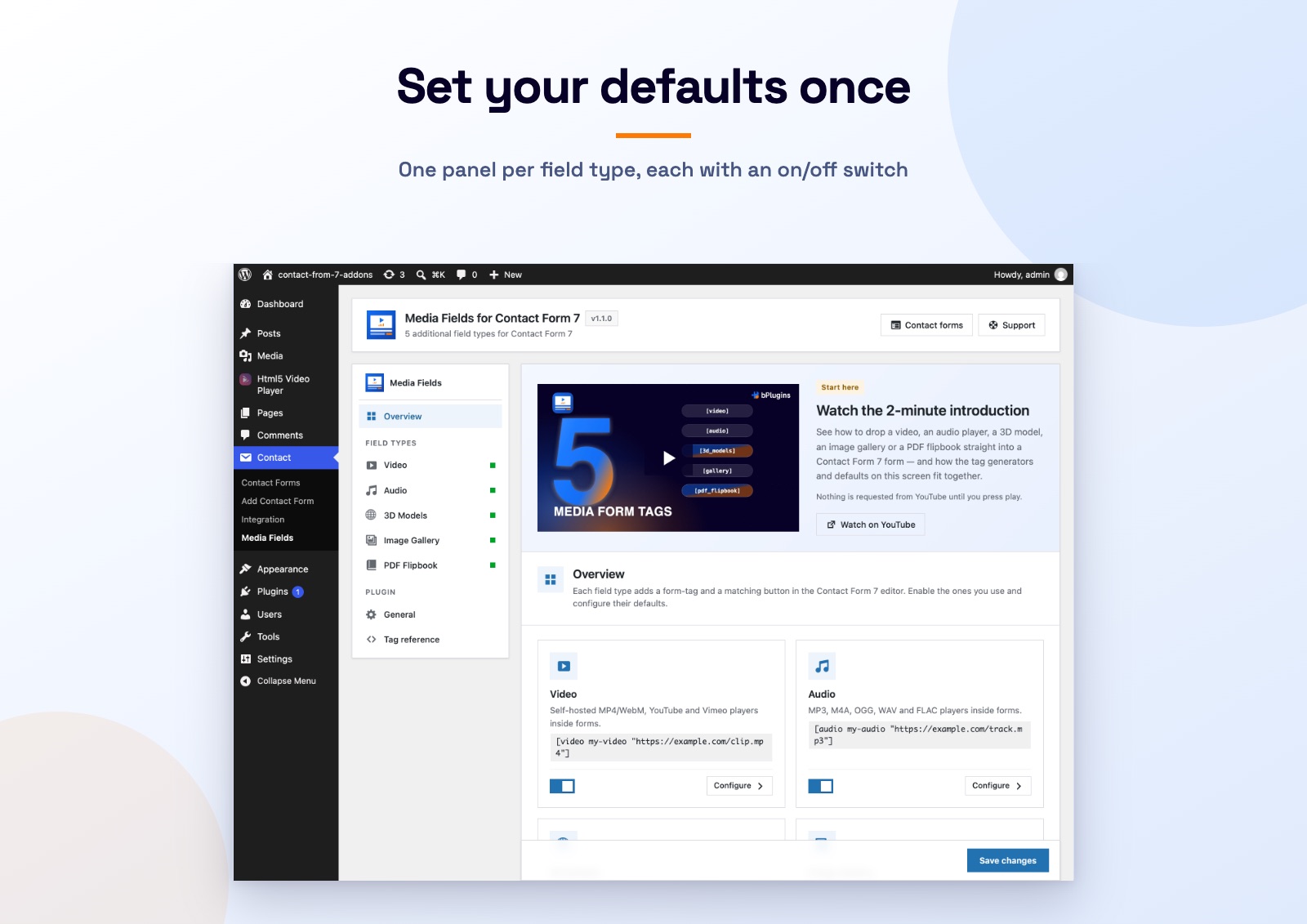 Set your defaults onceThe settings screen has one panel per field type, each with its own defaults and an on/off switch.
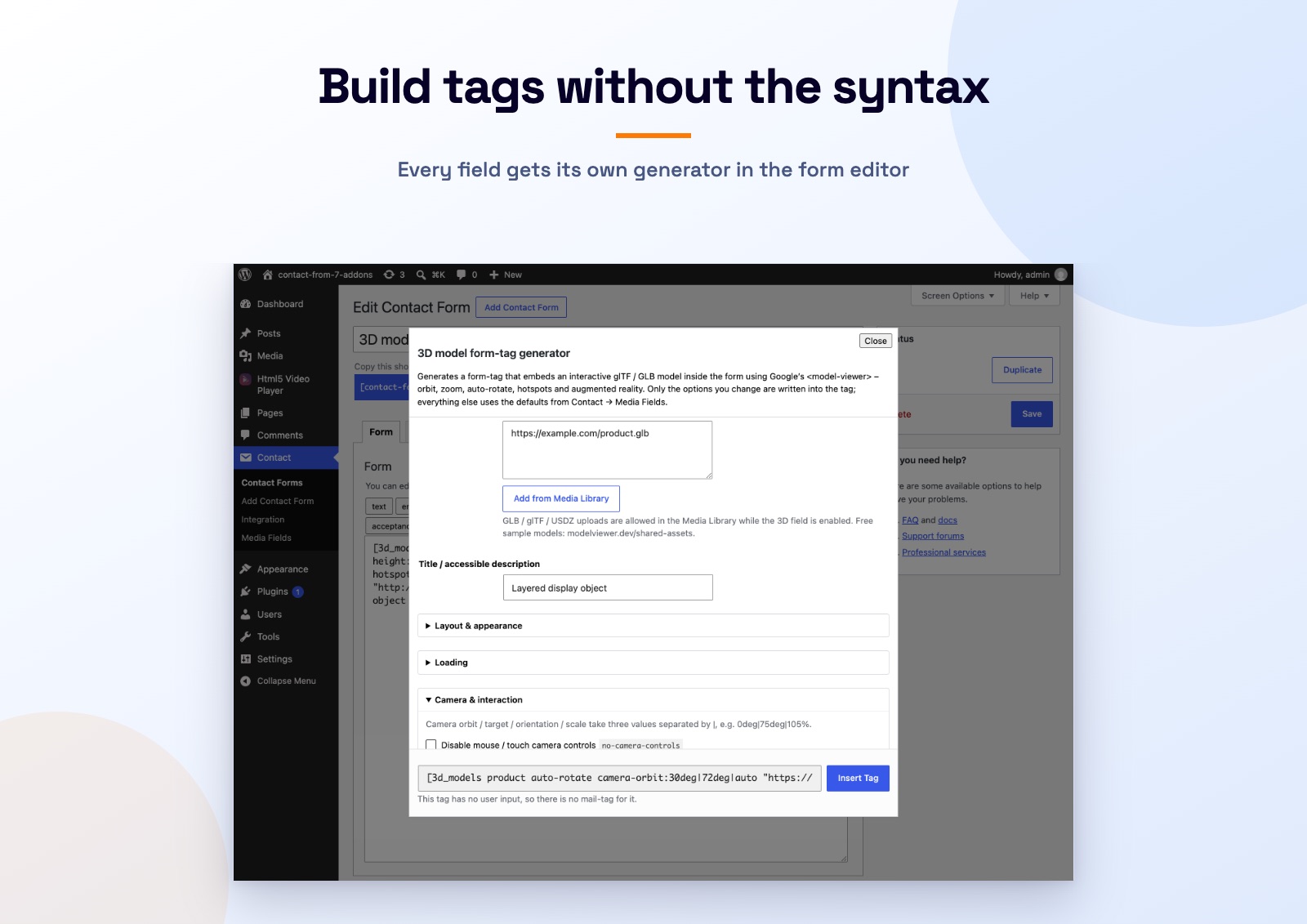 Build tags without the syntaxEvery field gets its own generator in the Contact Form 7 editor. This is the 3D model generator.
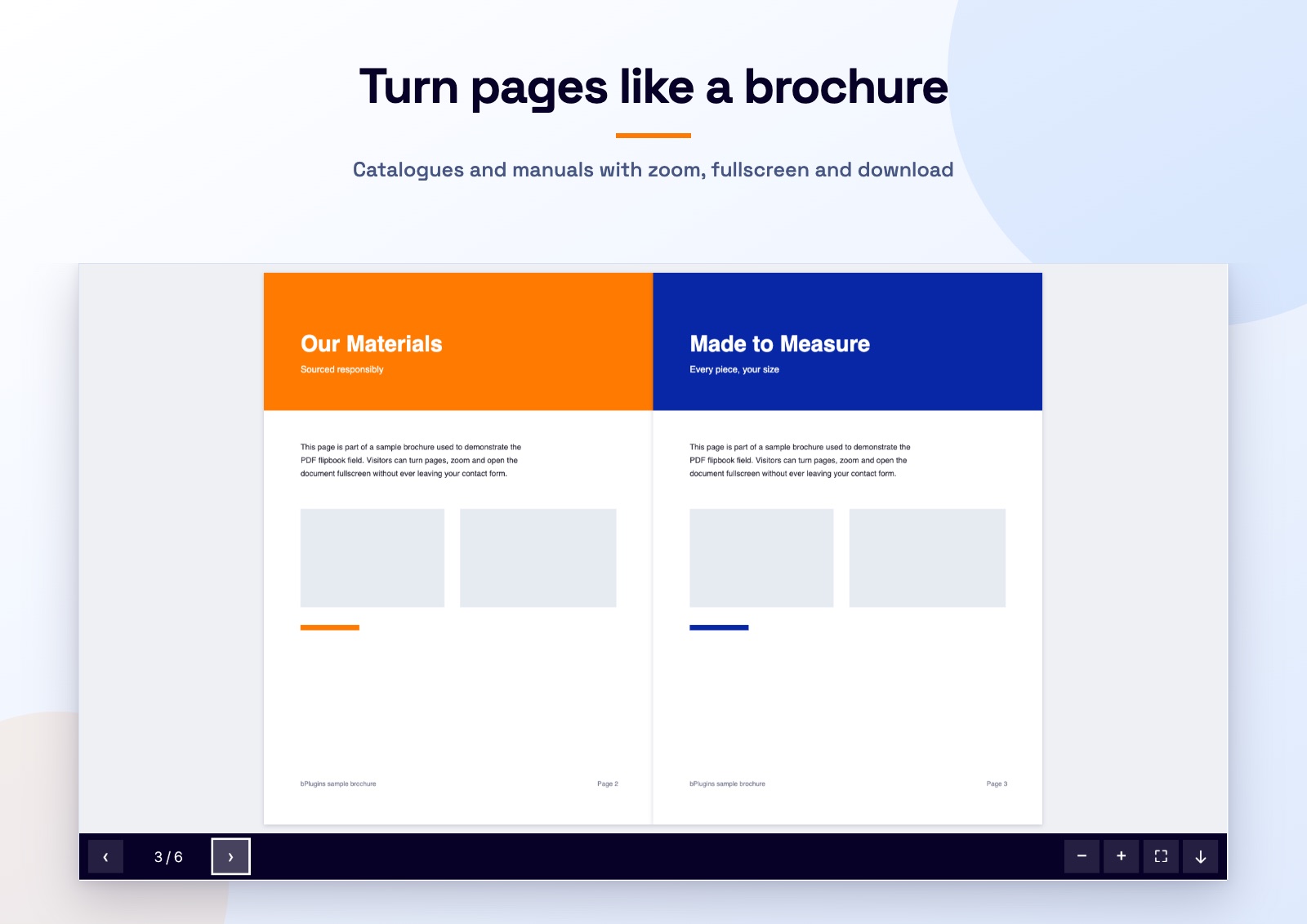 Turn pages like a brochureA real page turning PDF with navigation, zoom, fullscreen and an optional download button.
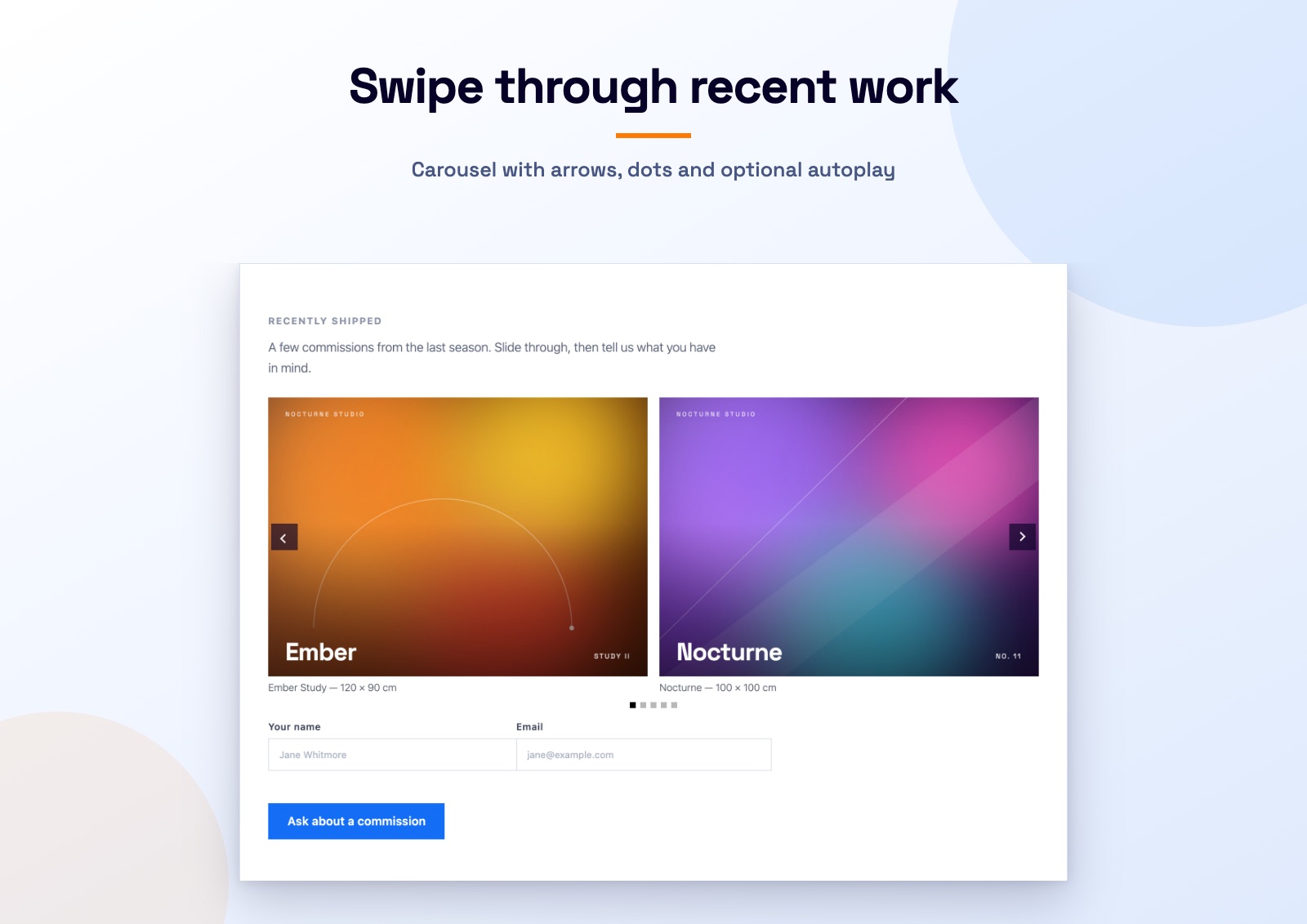 Swipe through recent workA carousel with arrows, pagination dots and optional autoplay, with the enquiry fields underneath.
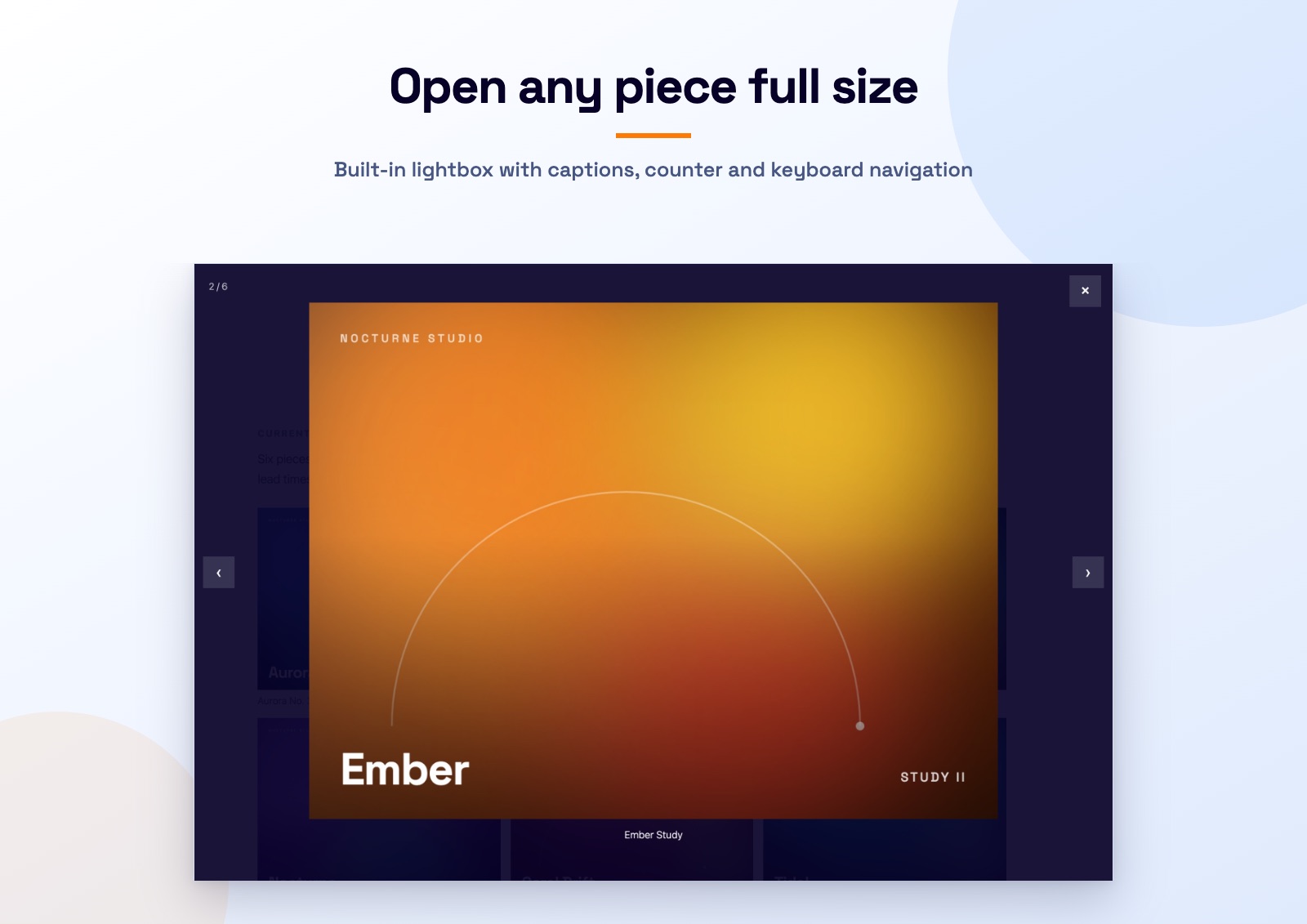 Built in lightboxOpen any piece full size, with captions, an image counter and arrow key navigation.
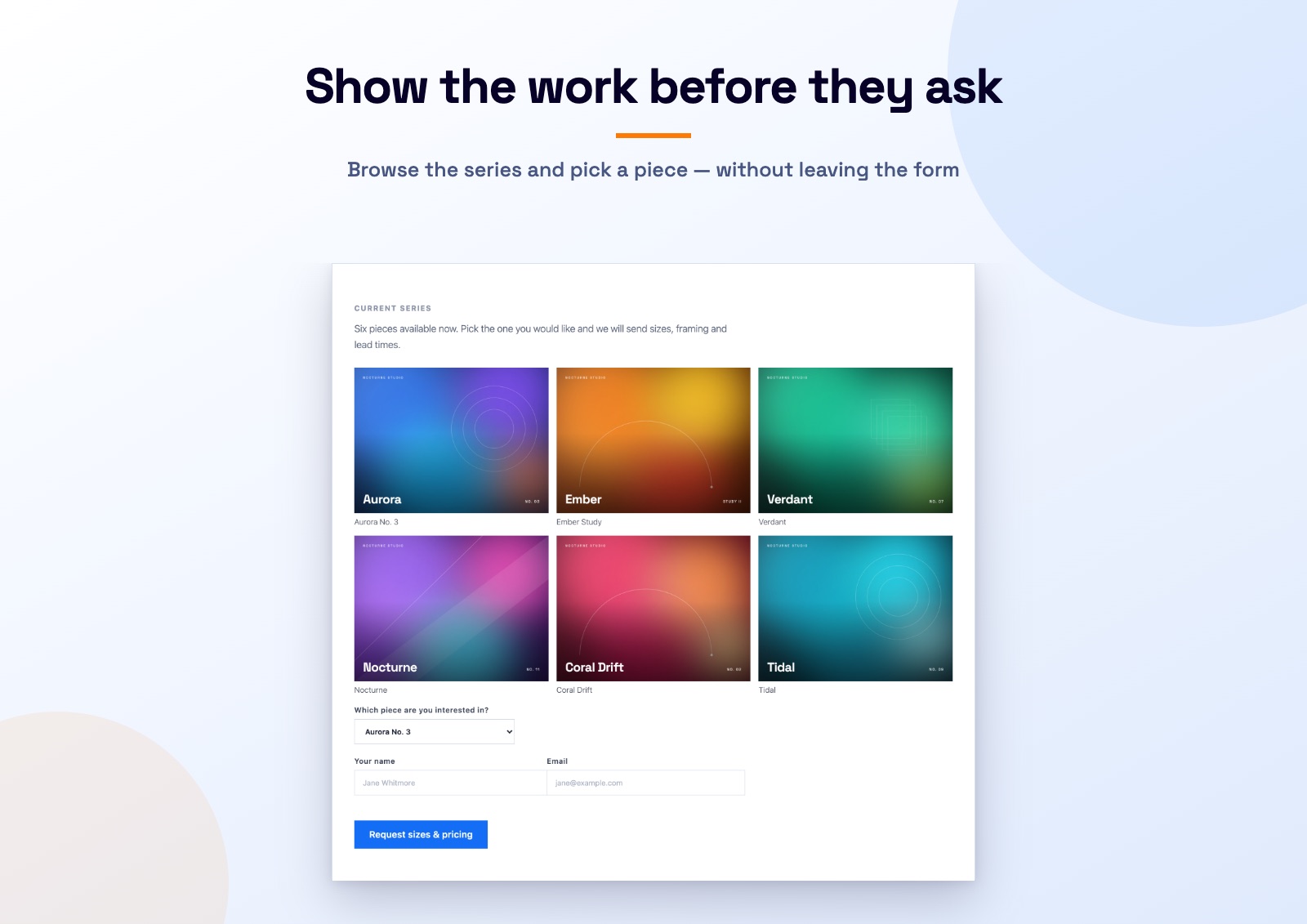 Show the work before they askA portfolio grid inside the enquiry form, so visitors pick a piece without leaving the page.
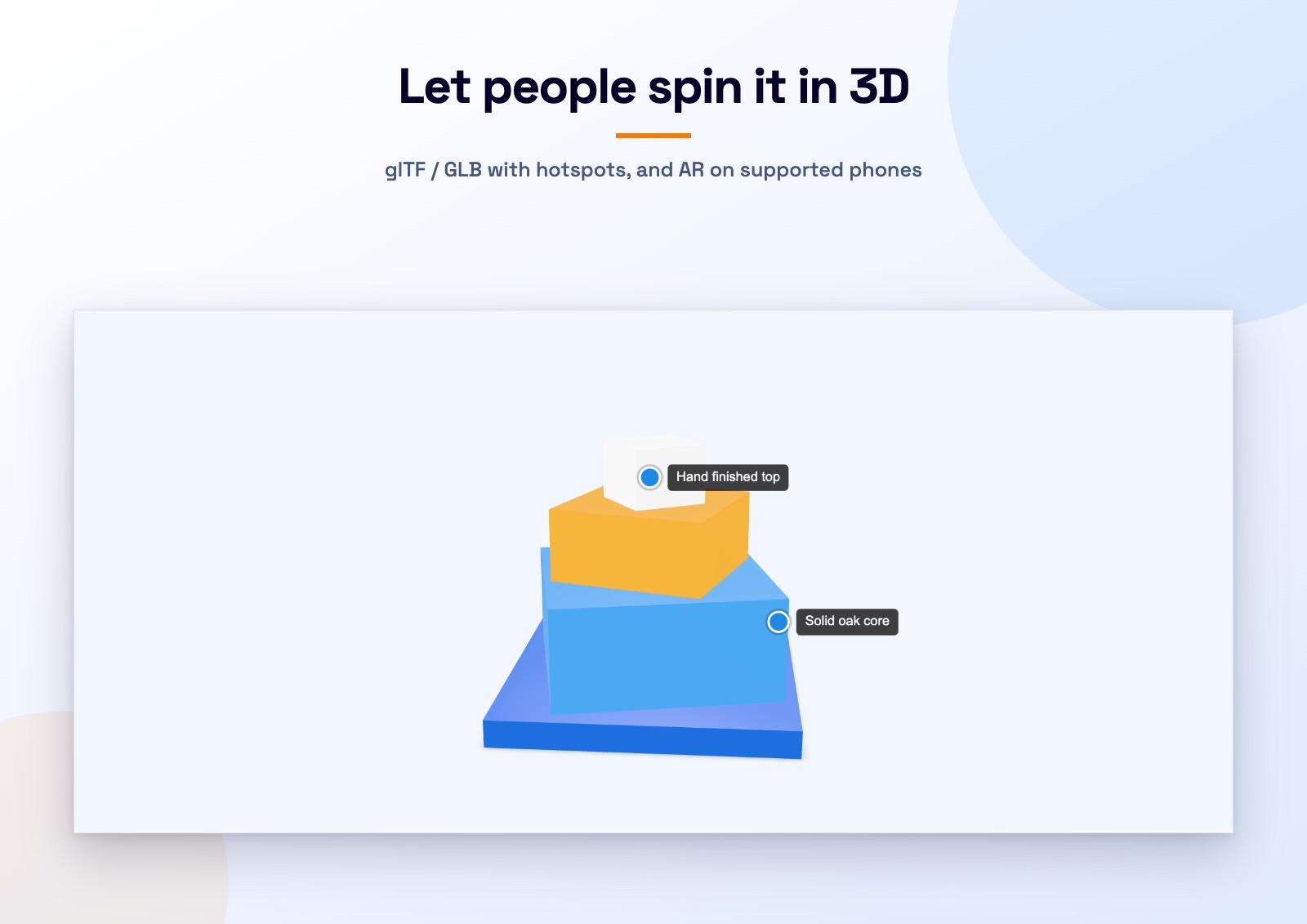 Let people spin it in 3DAn interactive glTF or GLB model with orbit, zoom, auto rotate and an AR button on phones.
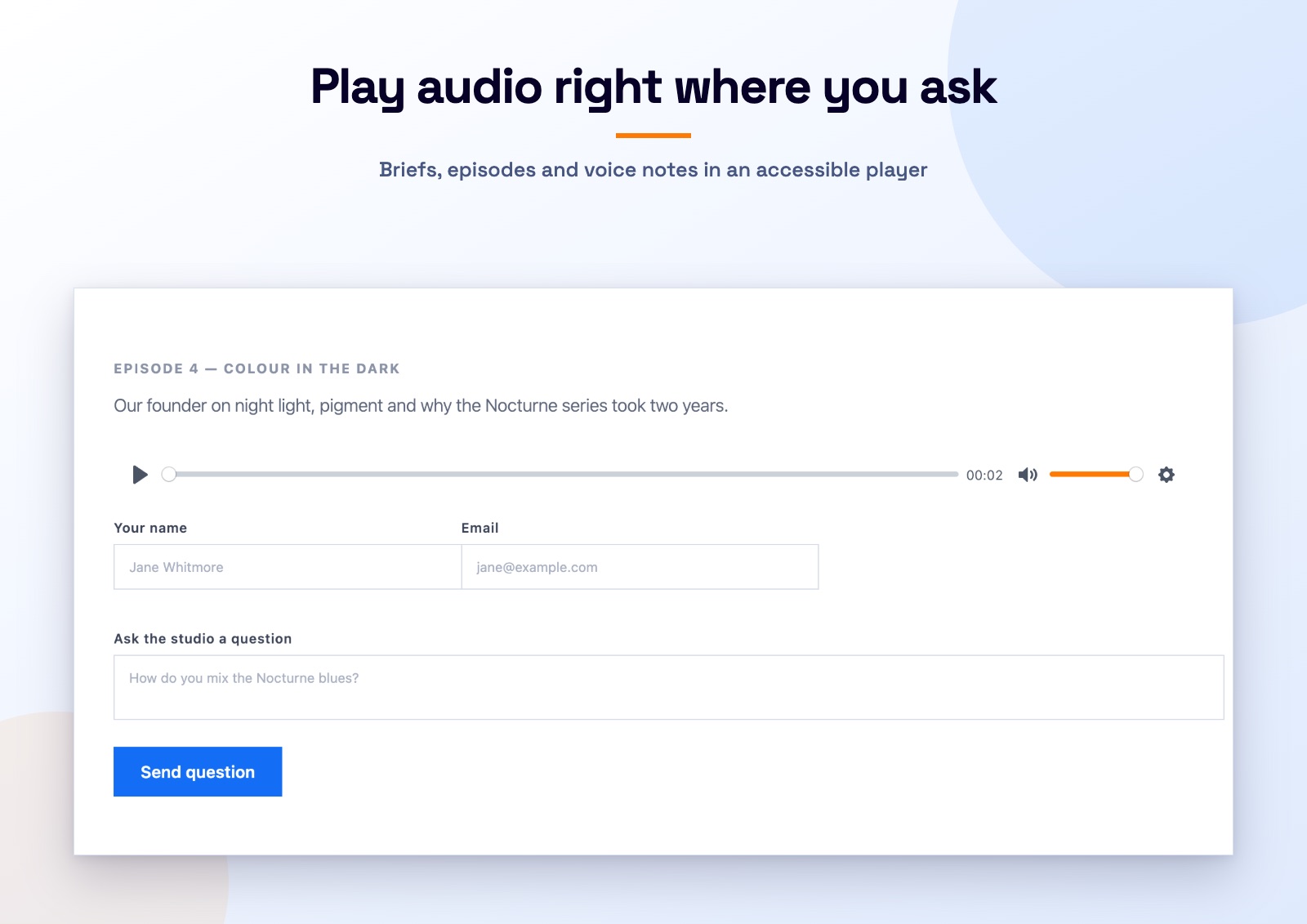 Play audio right where you askAn episode player above the questions, with artist metadata and its own accent colour.
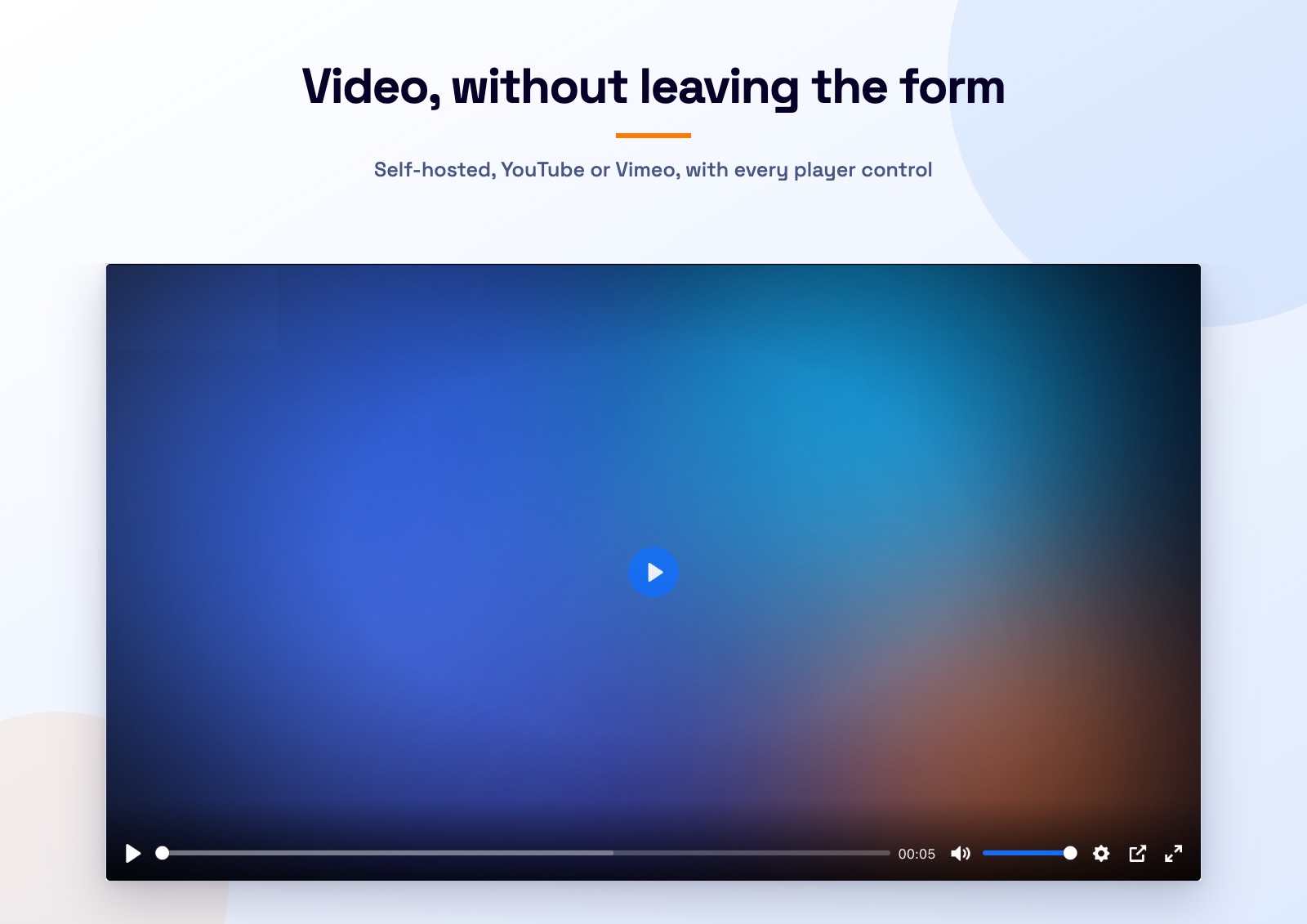 Video, without leaving the formSelf hosted MP4 and WebM, YouTube or Vimeo, with a custom poster and accent colour.
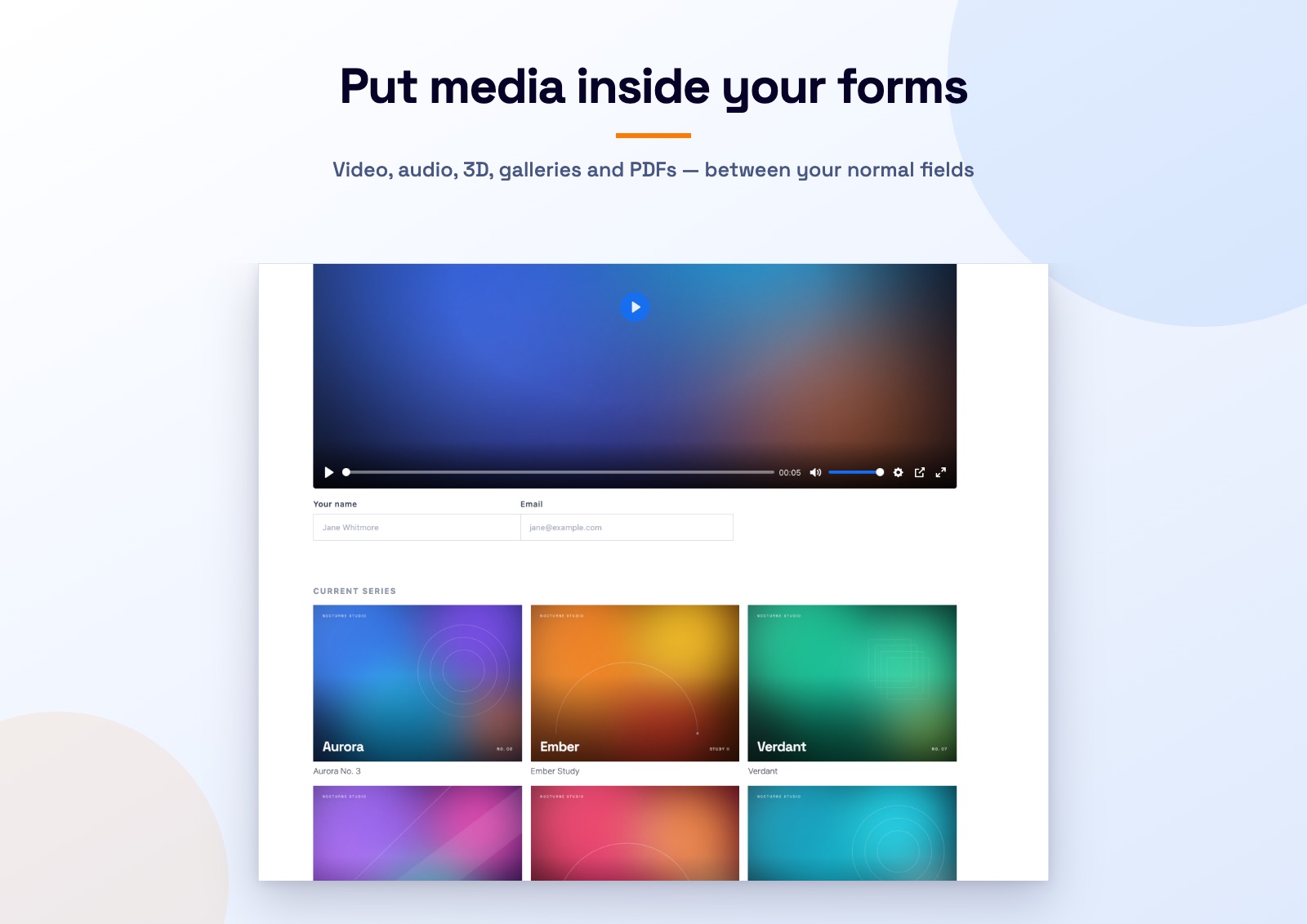 Put media inside your formsA commission enquiry form with the studio film at the top and the current series as a gallery.
From the community
The plugin is new. As reviews come in on WordPress.org we will put them here.
Replace with a real review once you have one.
Name, role
Replace with a real review once you have one.
Name, role
Replace with a real review once you have one.
Name, role
Questions
Yes. The plugin is on WordPress.org under the GPL, with every field included. There is no locked field and no upsell inside the settings screen.
No. These fields display media, they do not collect it, so there is no mail tag for them. Input fields that do collect something, such as a signature field, are on the roadmap.
Scripts load only on pages where a media field renders, and heavy fields wait until they are near the viewport. A page with no media field loads nothing extra.
No. Each field has a generator in the Contact Form 7 editor that writes the tag for you. You can still type tags by hand if you prefer.
MP4, WebM and Ogg for video, plus YouTube and Vimeo. MP3, M4A, OGG, WAV and FLAC for audio. glTF and GLB for 3D, with USDZ for augmented reality on iOS. JPG, PNG, WebP and GIF for galleries. PDF for the flipbook.
No. It is an independent add on built by bPlugins. It is not affiliated with, endorsed by or sponsored by Contact Form 7 or its author.
Install it from your dashboard in under a minute, and tell us which field you need next. A signature field and an image choice field are already on the list.